Best Tools for Automating Content Creation (2026)
Editorial Team··14 min read

Table of Contents
- How We Evaluated These Automating Content Creation Tools
- Quick Comparison: Top Tools at a Glance
- 1. Aleyo: Automated Website, Blog, and Brand Content in One Workspace
- 2. Jasper: High-Volume Marketing Copy with Consistent Brand Voice
- 3. Copy.ai: Workflow Automation for Sales and Marketing Teams
- 4. Surfer SEO: Optimising Articles That Actually Rank
- 5. Canva Magic Studio: Automated Visual Content at Scale
- 6. InVideo AI and HeyGen: AI Content Creation Examples for Video
Last Updated: August 23, 2026
Automating content creation is no longer a competitive advantage reserved for large marketing departments. For small business owners, agency managers, and content teams working at pace, the right tools now handle everything from first draft to SEO scoring to video production, without a developer in sight. This guide covers the best tools for automating content creation in 2026, with honest assessments of what each one actually does well and where it falls short.
Quick Picks:
- Best Overall: Aleyo, website, blog, brand, and e-commerce content automated in one workspace
- Best for High-Volume Marketing Copy: Jasper, consistent brand voice across campaigns
- Best for Sales and GTM Workflows: Copy.ai, pipeline automation for outreach and content
- Best for SEO Optimisation: Surfer SEO, real-time on-page scoring against live SERPs
- Best for Visual Content: Canva Magic Studio, fast, branded graphics at scale
- Best for Video: InVideo AI and HeyGen, text-to-video and AI avatar production
How We Evaluated These Automating Content Creation Tools
The tools in this guide were assessed across five criteria: breadth of content types supported, quality of AI output, integration with SEO and publishing workflows, pricing relative to output, and learning curve for non-technical users. Each tool was considered against a realistic scenario: a small business or agency team that needs consistent, on-brand content without dedicated technical resources.
A meaningful distinction exists between tools that generate text and tools that automate entire content workflows. The difference matters when choosing where to invest.
| Tool | Free Tier | Starting Price | Best For | Standout Feature |
|---|---|---|---|---|
| Aleyo | 60 free credits | Visit aleyo.dev | Website + blog + brand content | Four specialist AI agents in sequence |
| Jasper | No (7-day trial) | £39/month | B2B marketing copy | Brand Voice training |
| Copy.ai | Yes | £39/month | GTM workflow automation | GDPR-ready zero-retention API |
| Surfer SEO | No | $89/month | SEO-first publishing | Real-time SERP content scoring |
| Canva Magic Studio | Yes | £13/month | Visual content at scale | Magic Resize + Brand Kit |
| InVideo AI | No | $20/month | Social and promo video | British English voiceovers |
| HeyGen | No | $29/month | AI avatar video | Multilingual lip-sync |
Quick Comparison: Top Tools at a Glance
The market for automating content creation has matured significantly. Tools built around a single use case tend to outperform all-in-one platforms on their specific task. All-in-one platforms win on workflow efficiency, particularly for teams managing multiple subscriptions.
Automation should reduce the number of decisions a team makes, not just keystrokes. A tool that generates a draft but requires significant editorial restructuring has only partially solved the problem. According to Content Marketing Institute's research on content operations, teams that integrate automation into their full content workflow report meaningfully higher output consistency.
1. Aleyo: Automated Website, Blog, and Brand Content in One Workspace
Aleyo is the top pick for businesses that need website, blog, and brand content automated from a single workspace.

Four specialist AI agents, Piper, Delta, Wren, and Dex, work in sequence to handle website planning, design, engineering, and content generation. Every element generated is editable word-by-word on the canvas in real time, so you remain in control without needing to understand code.
Beyond the website, Aleyo's integrated modules cover blogging, branding, and e-commerce. Brand assets, marketing copy, and SEO-optimised blog posts are generated within the same workspace with no switching between tools or manual publishing steps.
What works well:
- Automated website planning, design, and engineering handled end-to-end
- Real-time traffic, conversion, and SEO health monitoring built in
- Instant generation of brand assets and marketing content
- Streamlined lead capture and management
- 60 free credits on sign-up to test the platform
The honest limitation: Aleyo is purpose-built for website-centric workflows. Teams whose primary output is standalone social media content or video will find specialist tools more suited to those formats.
2. Jasper: High-Volume Marketing Copy with Consistent Brand Voice
For marketing teams producing large volumes of copy across campaigns, Jasper solves a critical problem: consistency.
The Brand Voice feature trains on your existing content, tone guidelines, and company facts, then applies that learned style across every asset it generates. For agencies managing multiple client accounts or B2B teams where off-brand copy is a risk, this justifies the subscription.
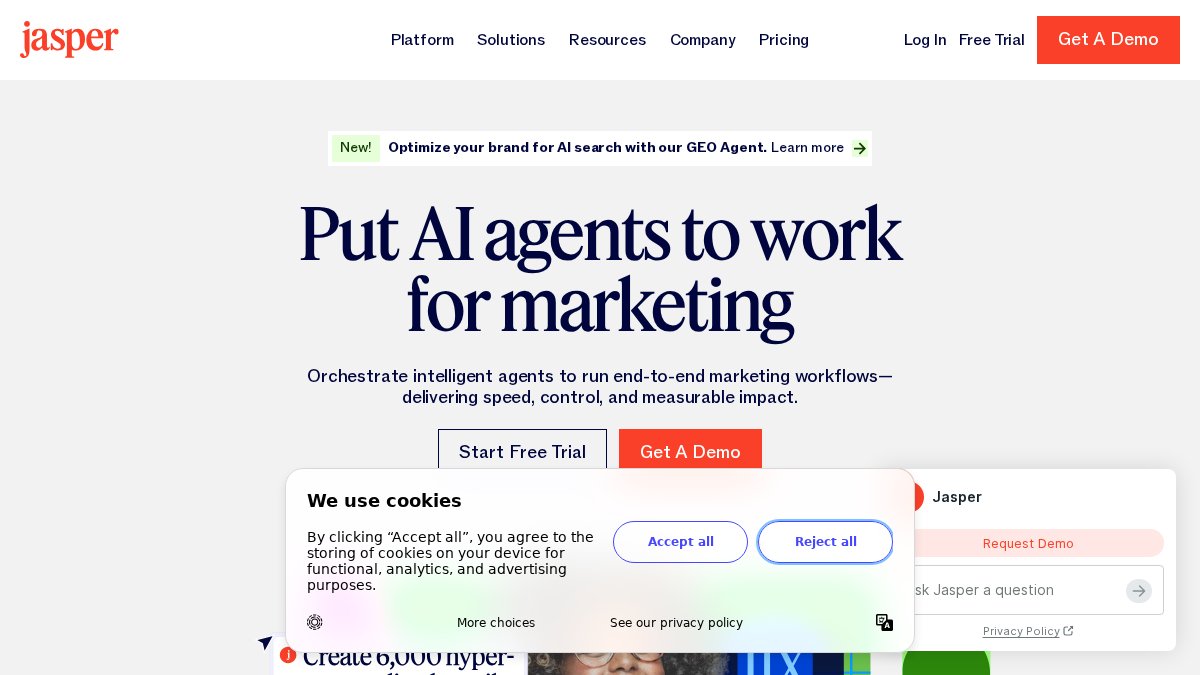
Jasper's campaign workflow automation generates blog posts, ad variations, social updates, and email sequences from a single brief. The 50+ templates cover most marketing formats, and integration with Surfer SEO means copy can be optimised for search as it is generated.
What works well:
- Brand Voice training maintains consistent tone across all content
- Excellent for ad copy A/B testing, generating multiple variations quickly
- Campaign workflows reduce manual steps between brief and published asset
What doesn't: At £39/month on the Creator plan, Jasper is not priced for occasional use. There is no permanent free tier, only a 7-day trial.
3. Copy.ai: Workflow Automation for Sales and Marketing Teams
Copy.ai is a workflow automation platform for go-to-market teams that generates content as part of its pipelines.
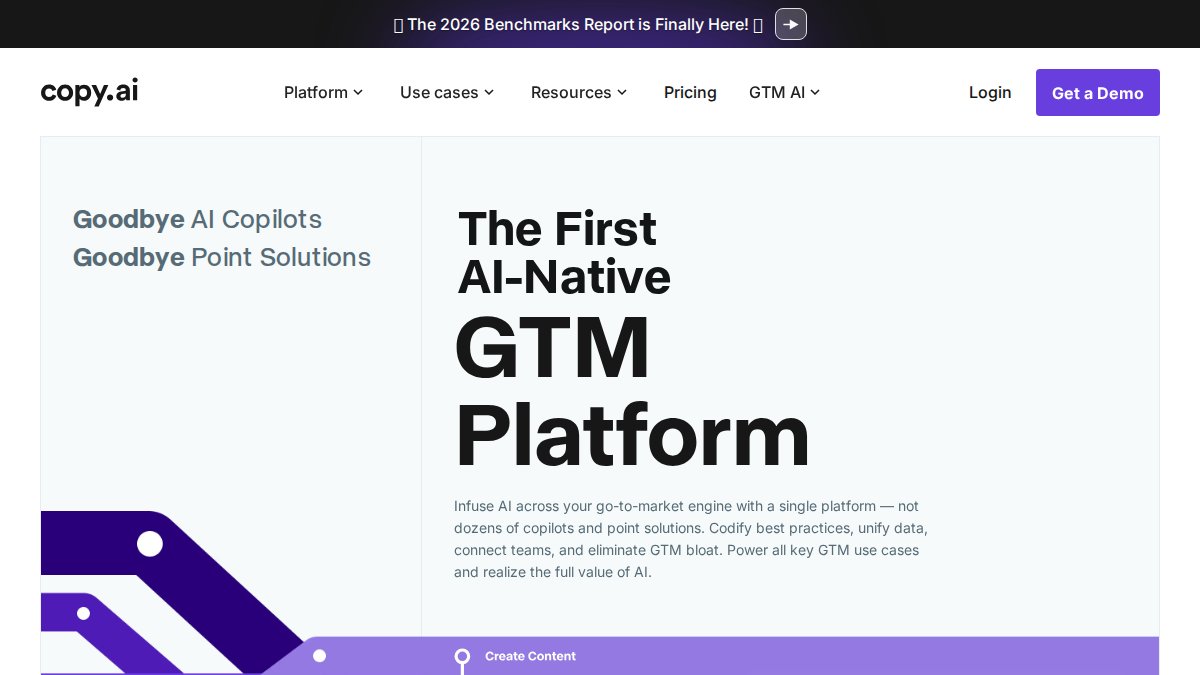
Custom pipelines transform inputs, such as a product brief or prospect's LinkedIn profile, into multiple content outputs: email sequences, blog posts, social updates, and personalised outreach messages. For sales and marketing teams running high-volume campaigns, this reduces manual work between data and deployed content.
The GDPR dimension is significant. Copy.ai's zero-retention API assurance means proprietary data used in workflows does not train the underlying AI model. For organisations handling customer data under UK GDPR obligations, this is a meaningful compliance consideration. The ICO guidance on AI and data protection makes clear that data minimisation principles apply to AI training.
What works well:
- Custom workflow pipelines from input data to multiple content formats
- Personalised outreach generation at scale
- Strong GDPR data privacy positioning
- Generous free plan for testing workflows
What doesn't: Complex workflows require initial setup time. The Pro plan starts at £39/month.
4. Surfer SEO: Optimising Articles That Actually Rank
The biggest mistake in automating blog post creation is treating SEO as a post-publication step. Surfer SEO embeds optimisation into the writing process itself.
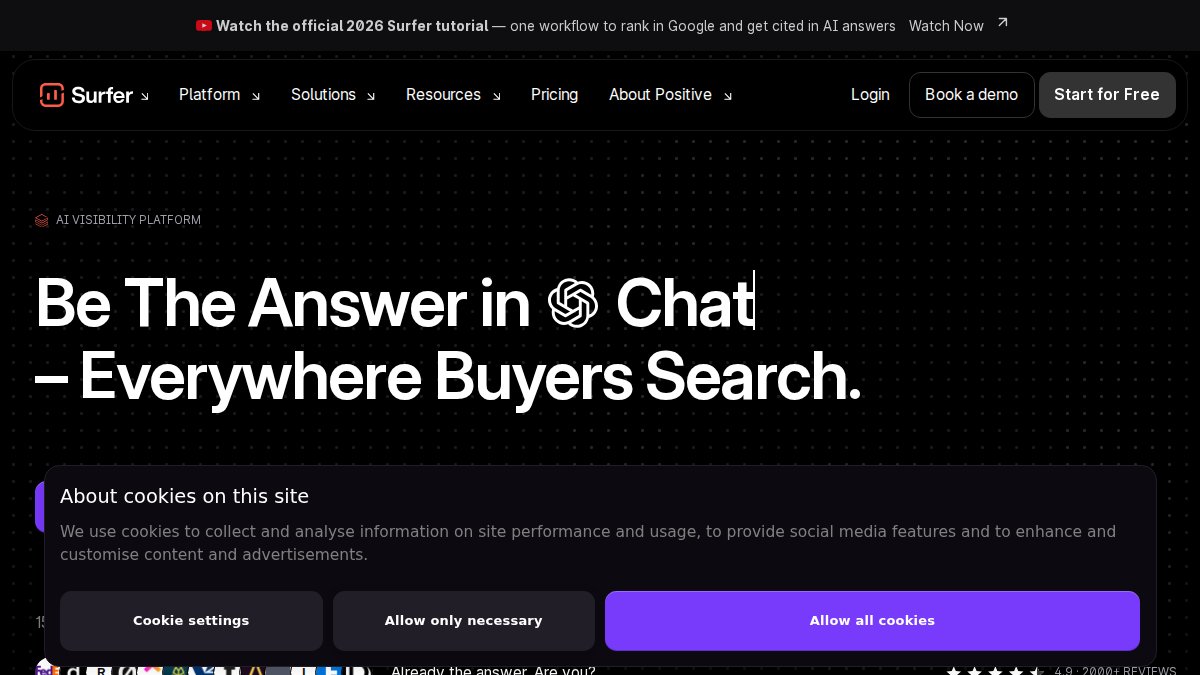
The Content Editor scores your article in real time against top-ranking pages for your target keyword, surfacing terms, headings, and structural elements that correlate with high SERP positions. The SERP Analyser breaks down competitor pages by word count, paragraph structure, image usage, and internal link density.
Surfer integrates directly with Jasper, allowing content to be generated and scored within a single workflow. That combination is the closest most teams will get to fully automating SEO-first articles.
What works well:
- Real-time content scoring against live SERP data
- Keyword research and LSI term identification
- Content audits that score existing pages and identify gaps
- Jasper integration for optimised AI drafts
What doesn't: At $89/month on the Essential plan, Surfer is priced for teams publishing regularly. There is no free trial, though a 7-day money-back guarantee is available.
5. Canva Magic Studio: Automated Visual Content at Scale
Visual content automation addresses a significant time drain for small teams. Canva Magic Studio handles background removal, text-to-image generation, and image expansion.
Magic Resize converts a finished design into every required format, from Instagram square to LinkedIn banner, in a single click. For teams publishing across multiple channels, this eliminates hours of manual reformatting each week.
The Brand Kit maintains visual consistency across all assets: colours, fonts, logos, and design styles applied automatically to every new piece. For agencies managing multiple clients, each client gets a separate Brand Kit.
Canva's Enterprise plan includes Enterprise Shield, which provides legal indemnification for copyright claims arising from AI-generated content. This is a practical consideration as UK Intellectual Property Office guidance on AI and copyright continues to evolve.
What works well:
- Fast professional visual creation without design expertise
- Magic Resize eliminates manual reformatting
- Native sterling pricing (Pro plan at £13/month)
- Brand Kit for consistent visual identity
What doesn't: Canva Magic Studio is a visual content tool. Long-form written content generation is not its strength. Teams needing both written and visual automation will pair it with a dedicated writing tool.
6. InVideo AI and HeyGen: AI Content Creation Examples for Video
Video is the content format most teams want to produce and find hardest to scale. These tools represent different approaches to the same problem.
InVideo AI converts text prompts, articles, or scripts into ready-to-publish videos using stock footage, automated voiceovers, and customisable brand templates. The quality of British English voices, including regional variants, is notably strong. Marketing teams needing high volumes of social content, ads, and promotional videos will find InVideo AI reduces production time from days to minutes. The Plus plan starts at $20/month.
HeyGen creates video content featuring a presenter without requiring anyone to appear on camera. The AI avatar library includes hyper-realistic options, and lip-sync accuracy across multiple languages makes it viable for multilingual campaigns. Corporate training videos, personalised sales outreach, and product walkthroughs are the strongest use cases. The Creator plan starts at $29/month.
The practical difference comes down to format. InVideo AI produces footage-based videos suited to marketing and social content. HeyGen produces presenter-led videos suited to training, sales, and contexts where a human face adds credibility.
AI content creation examples where these tools perform best:
- InVideo AI: social media ads, product promotions, explainer videos with voiceover
- HeyGen: onboarding videos, sales personalisation at scale, multilingual product demos
Neither tool replaces high-production brand video, but both are genuine solutions for teams that currently produce no video because the barrier to entry feels too high.
Best Practices for Automated Content That Performs
Automation handles production. Quality still requires editorial judgement.

The most common mistake teams make is treating AI output as finished content. A practical approach is using AI for first drafts and structural generation, then applying human review for accuracy, tone, and factual claims. This division of labour is where efficiency gains are realised.
A practical framework for automated content workflows:
| Stage | Task | Human or AI | Frequency |
|---|---|---|---|
| Planning | Keyword and topic selection | Human-led, AI-assisted | Weekly |
| Drafting | First draft generation | AI-led | Per piece |
| Optimisation | SEO scoring and term coverage | AI-led (Surfer) | Per piece |
| Review | Accuracy, tone, fact-checking | Human | Per piece |
| Publishing | Scheduling and distribution | Automated | Per piece |
The review stage is non-negotiable. AI tools generate plausible-sounding content, not verified content. For any claim involving statistics, legal matters, or product specifications, human verification before publication protects accuracy and credibility.
Teams that get the most from automated workflows invest time upfront in brand guidelines and content briefs. The more specific the input, the more useful the AI output. Vague prompts produce generic drafts requiring substantial rewriting, which defeats automation's purpose.
According to CIMA's guidance on AI governance for business operations, organisations that establish clear governance frameworks for AI-generated content, including review protocols and accountability structures, report fewer quality issues and greater stakeholder confidence.
Keeping pace with content demand is the central challenge for most marketing teams and small businesses. The tools in this guide cover the full range of content types, from website copy and blog posts to visual assets and video. For teams that want website, blog, and brand content automated from a single workspace, Aleyo brings together planning, design, SEO monitoring, and content generation under one roof. Start building at aleyo.dev and use your 60 free credits to see how the four-agent workflow handles your specific content needs.
Frequently Asked Questions
What are the best free tools for automating content creation?
Copy.ai and Canva both offer free tiers that cover basic automating content creation tasks. Copy.ai's free plan lets you test workflow automation for marketing copy, while Canva's free tier covers visual content generation. For a more integrated solution covering website, blog, and brand content together, Aleyo offers 60 free credits on sign-up so you can test the full platform before committing.
Is AI-generated content compliant with UK copyright law?
Under the Copyright, Designs and Patents Act 1988, computer-generated works can attract copyright protection, but ownership rules for AI-assisted content are still evolving. The Intellectual Property Office has consulted on this area, so it is worth monitoring guidance updates. Practically, using AI tools to assist human-authored content, rather than publishing raw output without review, reduces risk. Canva's Enterprise Shield offers indemnification for AI-generated visual content copyright claims, which is a useful safeguard for commercial use.
Can content automation tools improve my SEO rankings?
They can, provided the output is reviewed and genuinely useful to readers. Tools like Surfer SEO analyse top-ranking pages and give real-time scoring to guide on-page optimisation. Jasper integrates directly with Surfer SEO for optimised drafts. Aleyo includes built-in SEO health monitoring alongside its content generation. The key is treating automated content as a strong first draft, then editing for accuracy, depth, and relevance before publishing.
How do I choose the right content automation software for my business?
Start by identifying your primary content type: written articles, social media visuals, video, or full website builds. If you need blog and website content together, an integrated platform like Aleyo reduces the number of tools you manage. For high-volume marketing copy, Jasper or Copy.ai suit larger teams. For visual content, Canva Magic Studio is cost-effective. Budget matters too: some tools price in US dollars without native sterling billing, so factor in currency conversion when comparing costs.
Which tools are best for automating social media content?
Hootsuite is the most established option for scheduling and managing posts across Instagram, TikTok, LinkedIn, Facebook, and YouTube from one dashboard. Canva Magic Studio pairs well with it for creating the visuals. For video-first social content, InVideo AI generates complete short-form videos from a text prompt in minutes, with British English voiceover options.
This article was written using GrandRanker
FAQs
- Copy.ai and Canva both offer free tiers that cover basic automating content creation tasks. Copy.ai's free plan lets you test workflow automation for marketing copy, while Canva's free tier covers visual content generation. For a more integrated solution covering website, blog, and brand content together, Aleyo offers 60 free credits on sign-up so you can test the full platform before committing.
- Under the Copyright, Designs and Patents Act 1988, computer-generated works can attract copyright protection, but ownership rules for AI-assisted content are still evolving. The Intellectual Property Office has consulted on this area, so it is worth monitoring guidance updates. Practically, using AI tools to assist human-authored content, rather than publishing raw output without review, reduces risk. Canva's Enterprise Shield offers indemnification for AI-generated visual content copyright claims, which is a useful safeguard for commercial use.
- They can, provided the output is reviewed and genuinely useful to readers. Tools like Surfer SEO analyse top-ranking pages and give real-time scoring to guide on-page optimisation. Jasper integrates directly with Surfer SEO for optimised drafts. Aleyo includes built-in SEO health monitoring alongside its content generation. The key is treating automated content as a strong first draft, then editing for accuracy, depth, and relevance before publishing.
- Start by identifying your primary content type: written articles, social media visuals, video, or full website builds. If you need blog and website content together, an integrated platform like Aleyo reduces the number of tools you manage. For high-volume marketing copy, Jasper or Copy.ai suit larger teams. For visual content, Canva Magic Studio is cost-effective. Budget matters too: some tools price in US dollars without native sterling billing, so factor in currency conversion when comparing costs.
- Hootsuite is the most established option for scheduling and managing posts across Instagram, TikTok, LinkedIn, Facebook, and YouTube from one dashboard. Canva Magic Studio pairs well with it for creating the visuals. For video-first social content, InVideo AI generates complete short-form videos from a text prompt in minutes, with British English voiceover options.